
When it comes to your copier, the machine does a lot of work in your office. While your equipment is up to the task of producing needed copies, there are always ways to reduce your copier costs. Here are three tips to get you started.

When it comes to your copier, the machine does a lot of work in your office. While your equipment is up to the task of producing needed copies, there are always ways to reduce your copier costs. Here are three tips to get you started.

When the time has come to replace your copier, it’s not as easy as kicking it to the curb. Follow these steps to ensure that you replace responsibly and legally.
If you own your copier, you have a couple of different choices when it comes to getting rid of your copier. If you’re replacing your copier because you want a new model, then you are probably able to resell your old one if it’s in excellent condition. The other option if the copier is still working, is to donate it to a school or non-profit in need.

When it’s time to replace your copier you want it to fit all your criteria. The problem with choosing criteria is that you might not be aware of some functions that vary on individual copiers. To ensure that you do not overspend or end up with the wrong machine for your office, consider the following ways copiers can differ.

Not a lot of thought goes into the use of your copier until it breaks down. Instead of having to replace your copier with a new one, practice maintenance habits to keep your equipment running. Here are a few ways to take care of your copier.
Cartridges
You know that you need to keep the data on your computer safe, but what about your copier? Protect sensitive information that passes through your copier in the same manner as your other software. Follow these tips to limit the risk of data theft.
1. Passwords

Beginning the search to purchase a new copier doesn’t need to be a chore. If you can think about what exactly you are looking for, you can narrow down your search and make it more efficient. There are a lot of different features to focus on, but here are some of the most important.

You’ve contemplated and decided it’s time to upgrade your copier. Now it is time to decide what you’re looking for in a new copier so that you can find the right one for you. Consider a few options that come with different copiers to narrow it down.

If you are in the market for a new copier, you are aware of the multitude of options. Have you noticed that many manufacturers are now offering copiers with touch-screen displays? Both laser and inkjet printers and multi-function machines are starting to have this technology as an option. You may have asked yourself if a copier with a touch screen display is even necessary for your office. Some people would argue that the not every new piece of technology that hits the market needs to be invested in.

A common theme is business is that labor is by far your greatest cost, and, as a cost, holds the most significant potential for revenue generation. That is because your employee's time is valuable and they are the means of income generation for your company. Using their time effectively is critical to maximizing that potential without increasing cost. One way that you can achieve gains regarding employee production is by implementing an invoice scanning system. Here are three significant ways that invoice scanning can save your business time and money.
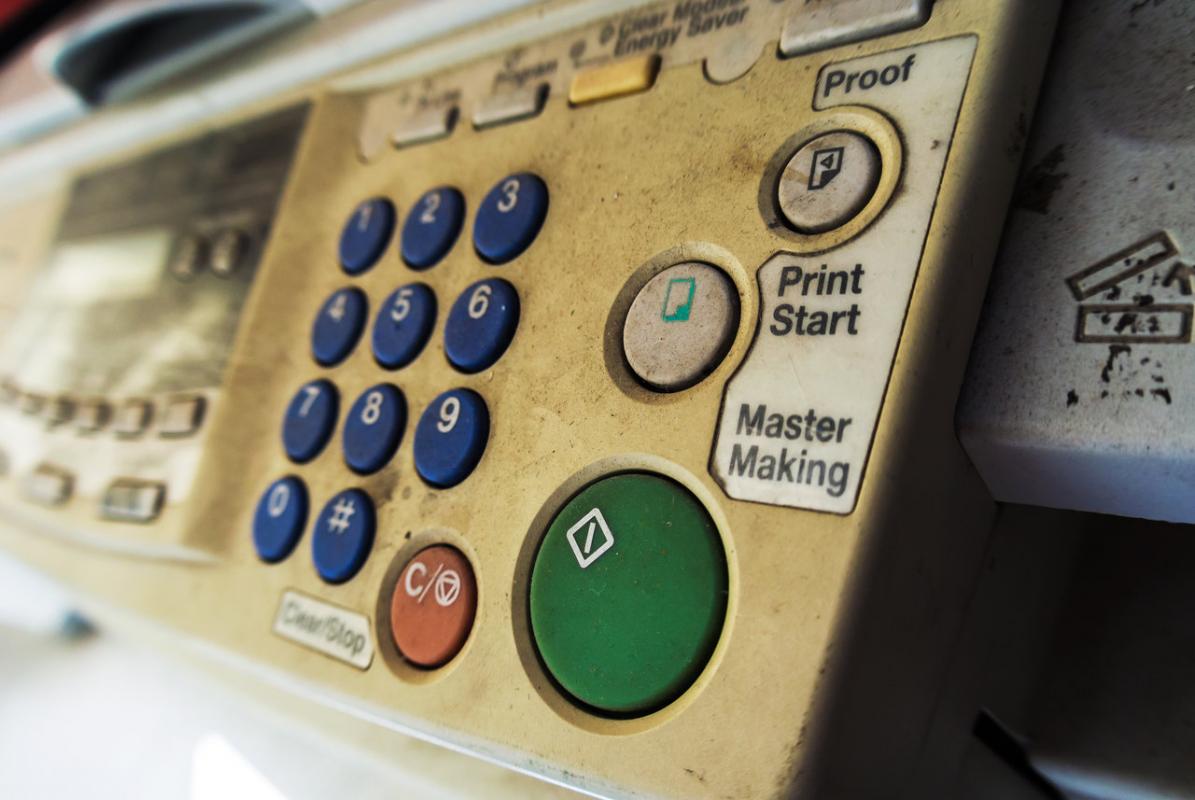
Replacing office equipment is hardly anyone's favorite maintenance task, but it can be one of the most critical to ensuring your business is running as efficiently as it can. Copiers are very different than other pieces of equipment because they show little external wear and tear and the signs of an ailing copier aren't common knowledge for most people. Here are three things to watch for that can signal the time to upgrade.
