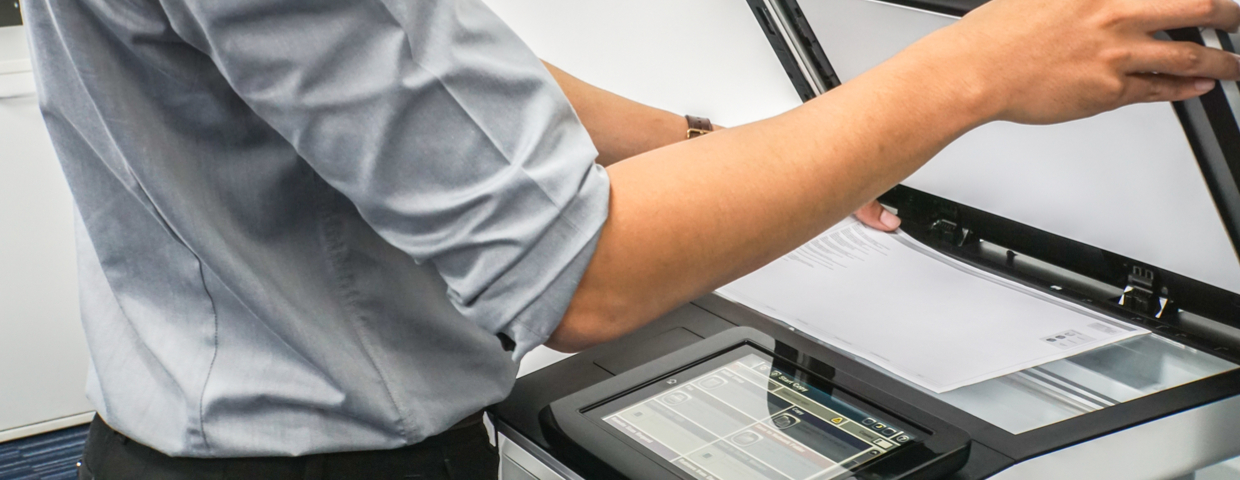
Nothing can ruin a manager’s day more than finding out their company has a HIPAA violation. Many companies do not realize that printers and copiers are considered workstations by the Department of Health and Human Services and as such, must be protected under HIPAA regulations. How do you secure the machines so that they are compliant? Here are a few best practices that companies and employees can follow.
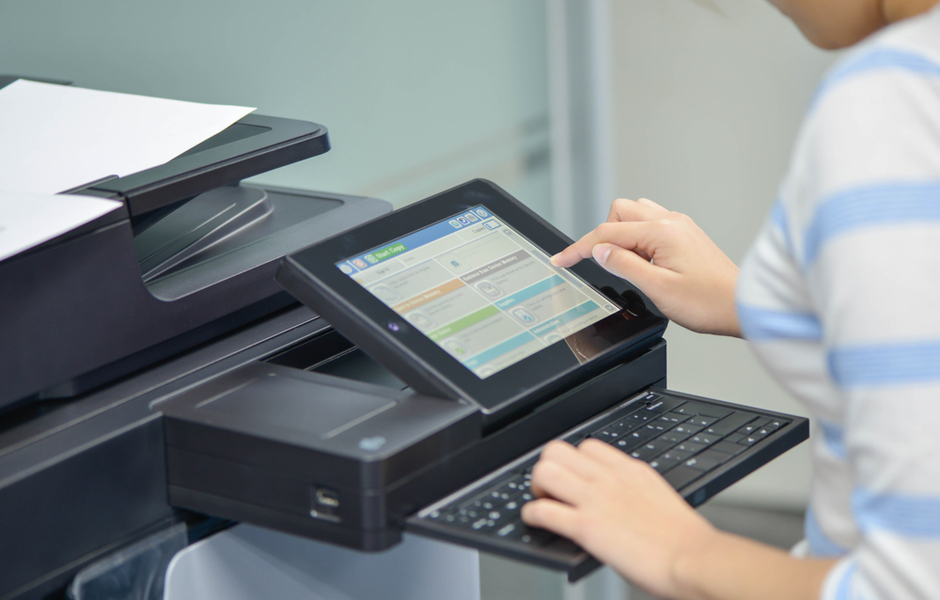
Copier
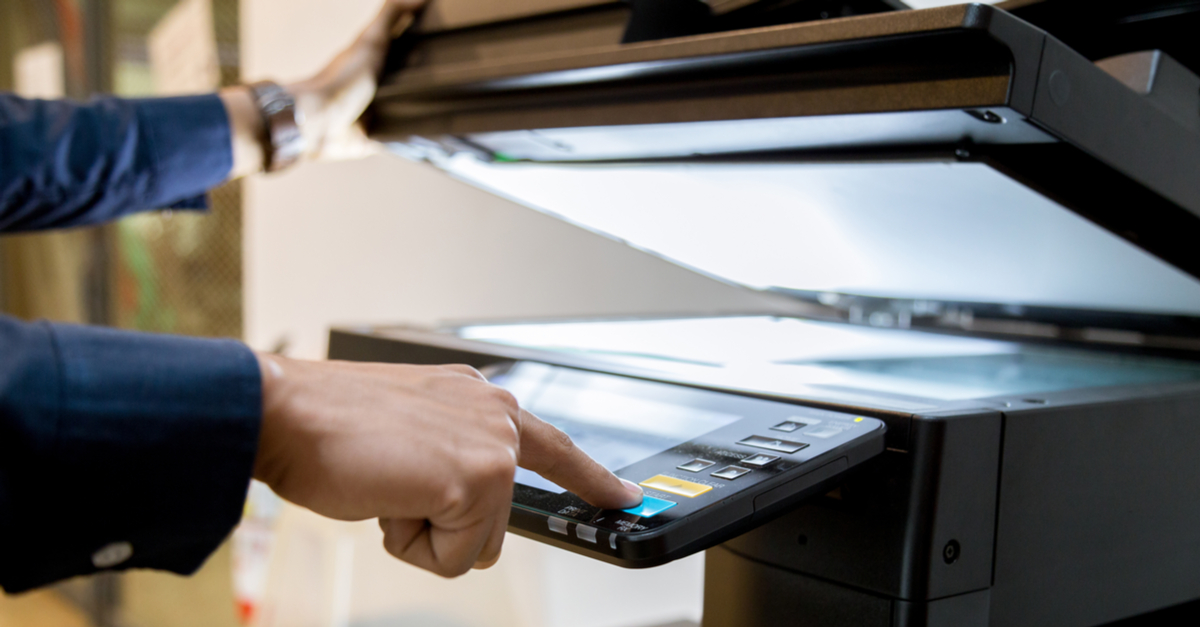
Copiers are a huge part of your daily workflow--but did you know they should also be a huge part of your security? Let's find out how to secure your copiers (and what might happen if you don't)!
Safer Copiers are Stronger Copiers
The scary truth about copiers is that they've been overlooked in so many security processes that hackers have started to target them first. That's right: if your copier isn't protected, the digital bad-guys will know exactly how to access your data and wreak all kinds of havoc.
As a responsible copier-owner, it's your job to know how best to care for your hardworking machine. Unfortunately, as copiers get more technologically advanced, it becomes difficult to know exactly what's going on--so here are a few of the most common things that make your copier malfunction.
Many companies worry that going green and keeping data secure are two mutually exclusive goals. After all, there are risks involved with recycling your copier, right? Do you really have to choose between protecting the environment and protecting your data? Not anymore! Here are some tips to help you recycle copiers the secure way.
If you've been in business through the last decade or so, you know that office technologies have undergone drastic changes. Equipment that was considered essential just fifteen years ago (remember your pager?) is nowhere to be found in the modern office.
Have you stopped to consider how crucial your copier is to your company's bottom line and ultimately, your success? A multifunction copier can serve your business needs in surprising ways, and many of them have nothing to do with making a copy.
Count on Higher Productivity
You can count on your copier to perform a long list of tasks, all of which contribute to improved productivity for your workgroup. If you're considering an upgrade, here's why you shouldn't delay.
For most businesses, the office’s Multifunction Printer (also called an MFP or simply a copier) is an essential device for daily task completion. Modern copiers do it all; printing, copying, faxing, scanning, and more. Your business has invested in a pricey piece of equipment that must remain functioning. Downtime will result in your entire office workflow to stop.
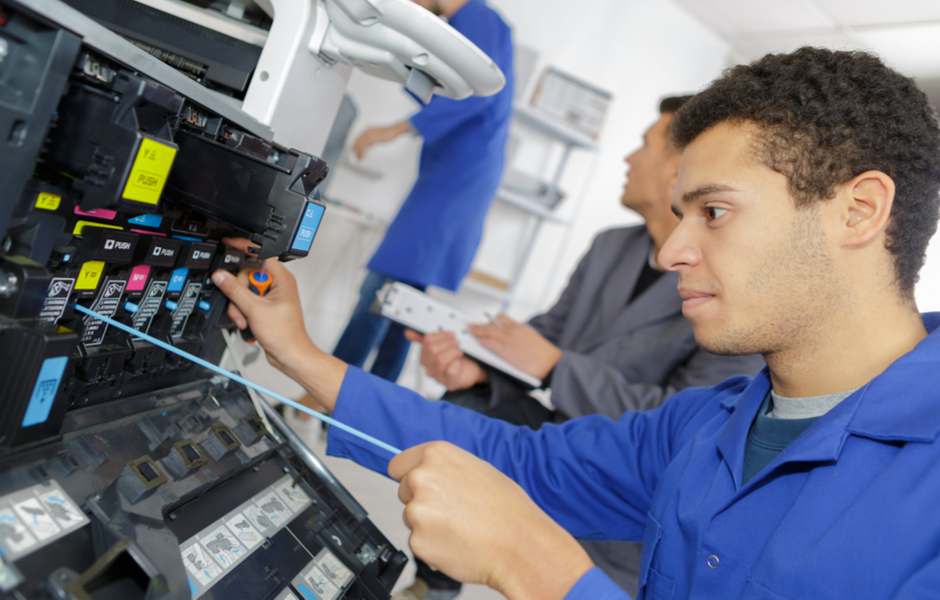
As a copier ages, there are signs that it might be time to enlist a repair service to fix your device. Signs that you should keep an eye out for are:
When we think of document security and the threats to our business’ information and data, our minds often go to hackers. We think of an intentional, malicious attack from someone seeking to steal sensitive information from you and your customers. But the truth is, document security needs to be considered far beyond hackers.
The information left on a piece a paper can do just as much damage as a hacker could.
When you have your entire afternoon scheduled with appointments, meetings, and tasks, the last thing you need to worry about is solving an issue with your office equipment. Interruptions like these get in the way of productivity, so here are a few tips to reduce downtime for your essential office equipment:
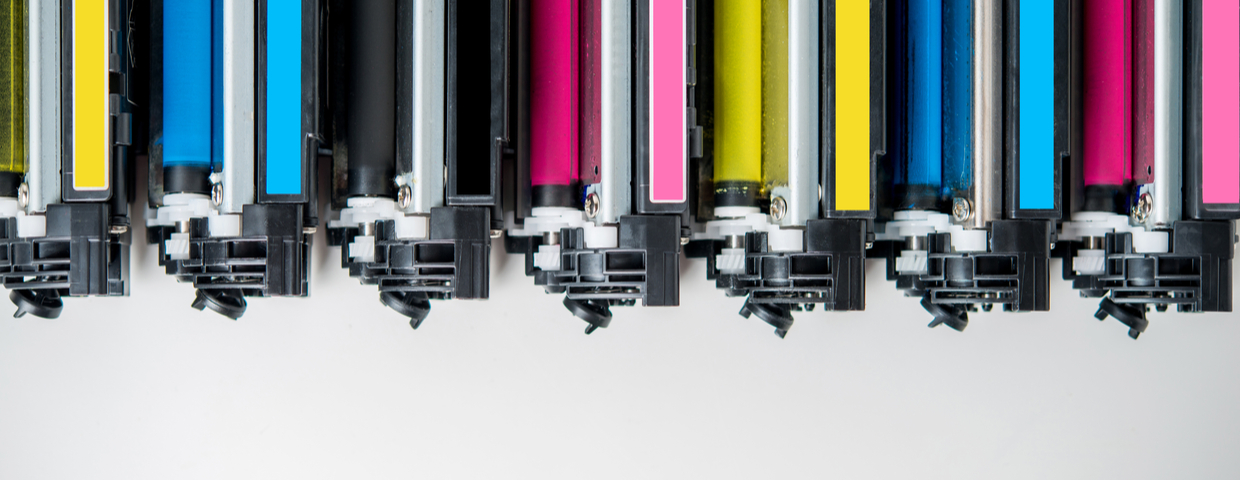
If you are like most people, your used toner cartridge goes straight from the printer to the trash can. It’s a natural progression for most companies, something that is done without much thought. However, as we learn more about our impact on the environment and how we can better our efforts at protecting it, we’ve learned that recycling toner cartridges is a significant step for us to take in partaking in environmental stewardship. Let’s answer a couple of questions you might have about recycling cartridges: